BuildPiper provides comprehensive namespace management capabilities, enabling seamless governance of cluster resources. Users can create new namespaces, onboard pre-existing namespaces, and view all namespaces available on an onboarded Kubernetes cluster.
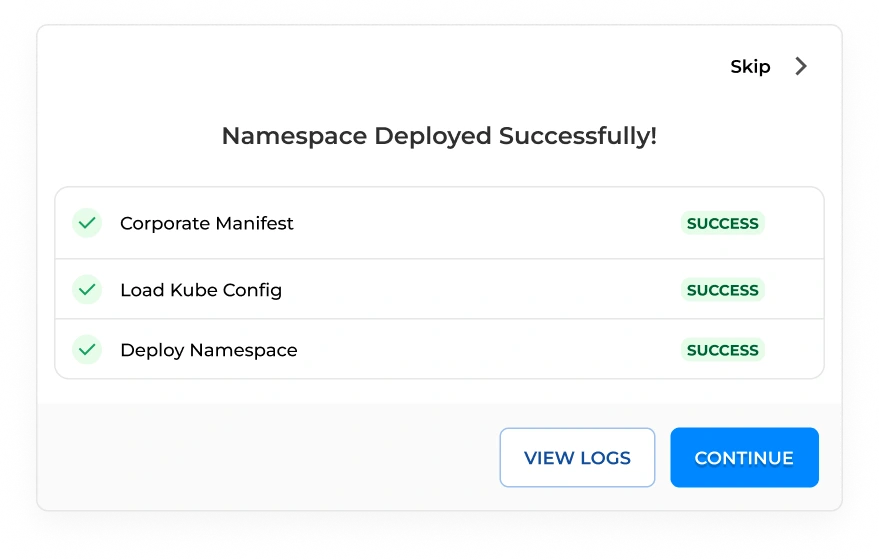
Users can create a new Kubernetes namespace directly within BuildPiper. Upon creation, the namespace is automatically created and onboarded into the platform, making it immediately available for use.
Namespace Availability
The added namespaces become visible for creating applications, mapping environments, and deploying services within BuildPiper.
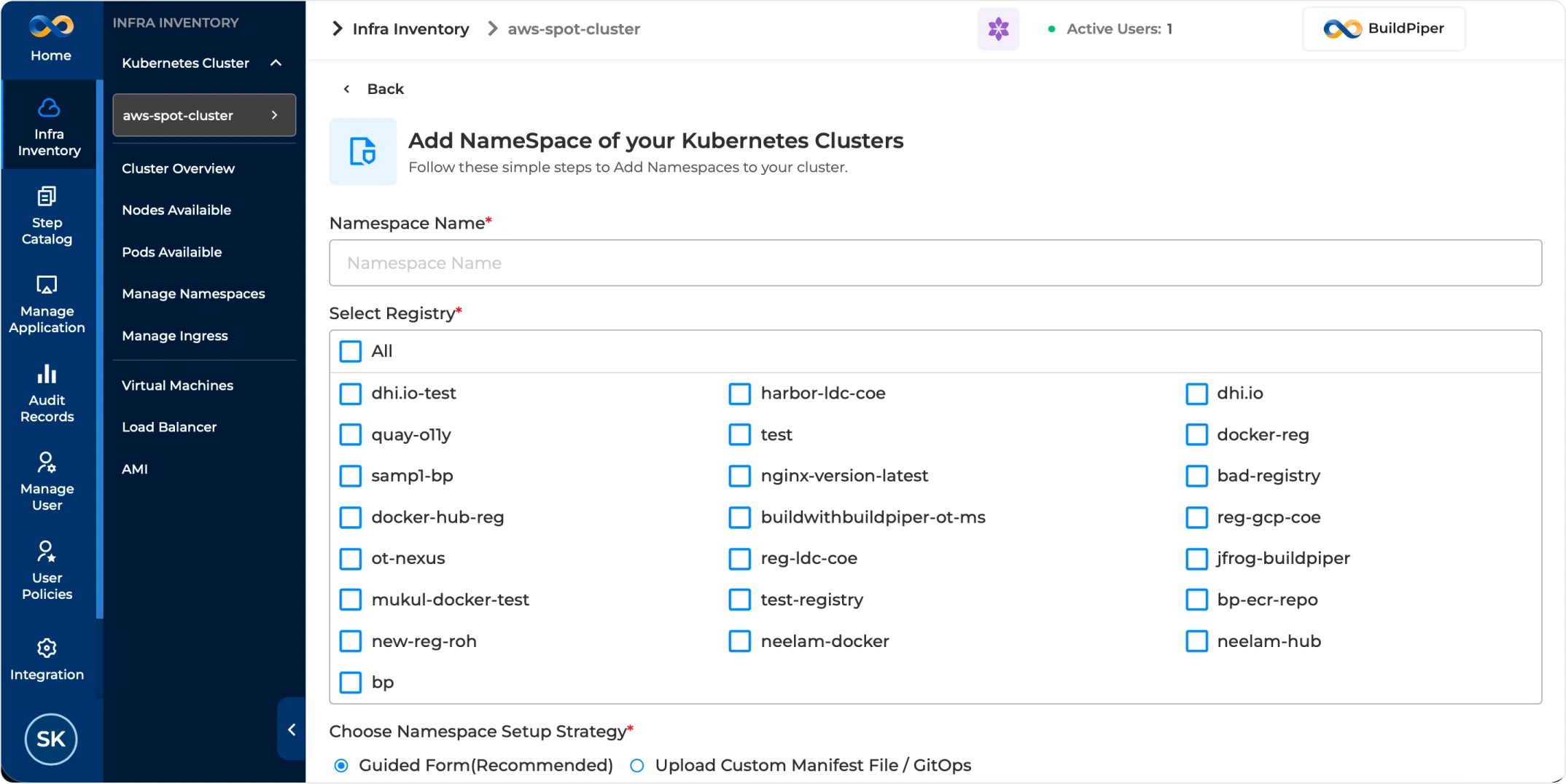
For the Kubernetes Namespace Onboarding form in BuildPiper, the configuration typically captures namespace identity, registry access, setup strategy, resource limits, isolation preferences, and metadata.
Field Name
Configuration Guide
Namespace Name
Enter the namespace name to be created or onboarded.
Select Registry
Select the container registries that this namespace can use for image pull or push operations.
Namespace Setup Strategy
Choose a guided form-based setup or upload a custom Kubernetes manifest.
Enable Istio Injector
Enable sidecar injection for service mesh capabilities where required.
Add Resource Quota
Define namespace-level CPU and memory controls to govern resource usage.
Request Memory / CPU
Specify the minimum guaranteed memory and CPU resources for workloads in the namespace.
Limit Memory / CPU
Specify the maximum resource ceiling to prevent excessive namespace consumption.
Enable Namespace Isolation
Restrict traffic between namespaces using network policy controls where applicable.
Add Annotations
Add metadata used by internal tools, integrations, or operational workflows.
Add Labels
Add identifying key-value metadata used for grouping, filtering, and selecting resources.
For namespaces that already exist on the target Kubernetes cluster, BuildPiper supports discovery and onboarding into the platform. Users can retain the existing CPU and memory resource limit configurations and onboard the namespace that is already part of the Kubernetes cluster into BP.
Important: Users should exercise caution, as any changes made to namespace configurations through the BuildPiper UI will also be applied directly to the Kubernetes cluster.
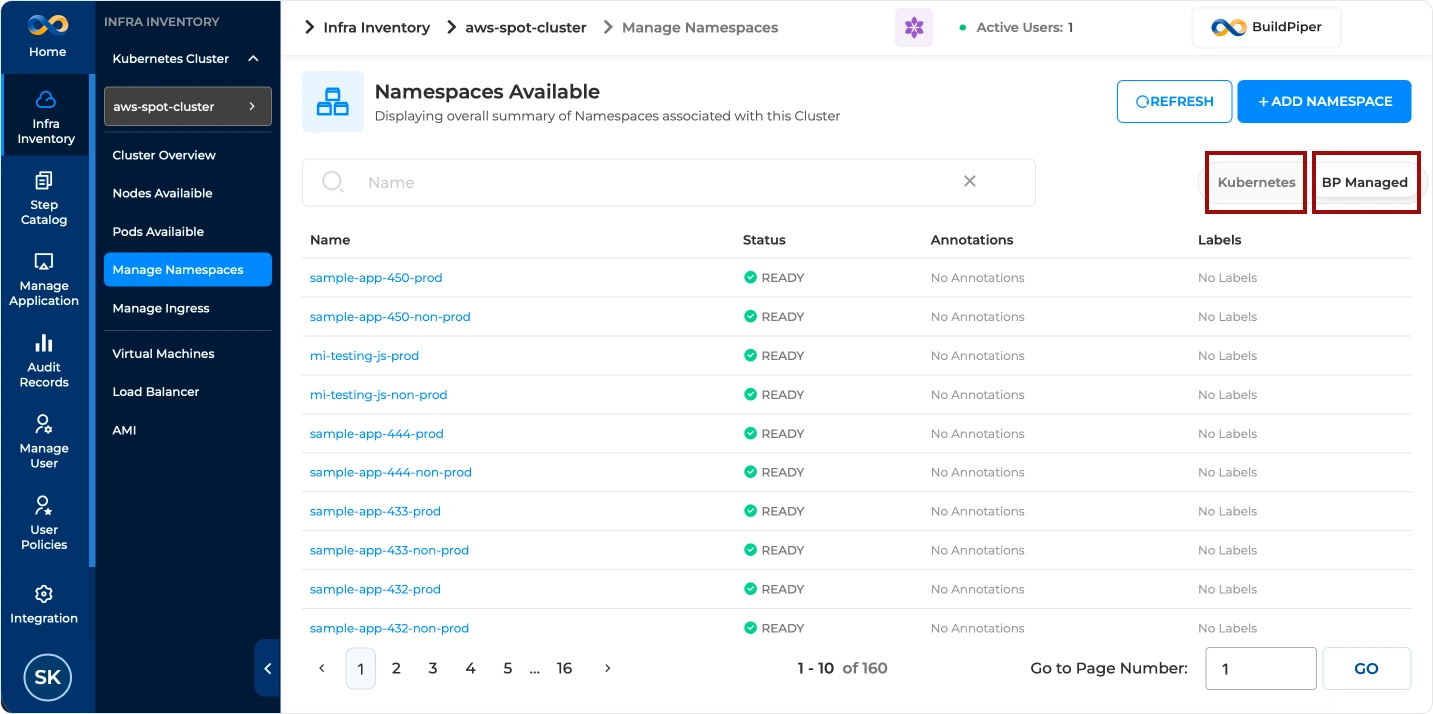
BuildPiper provides a centralized inventory view of all namespaces present on the onboarded Kubernetes cluster, regardless of whether they were created natively or through BP.
K8 Level View
Shows namespaces that exist on the Kubernetes cluster.
BP Managed View
Shows namespaces managed and governed through BuildPiper workflows.