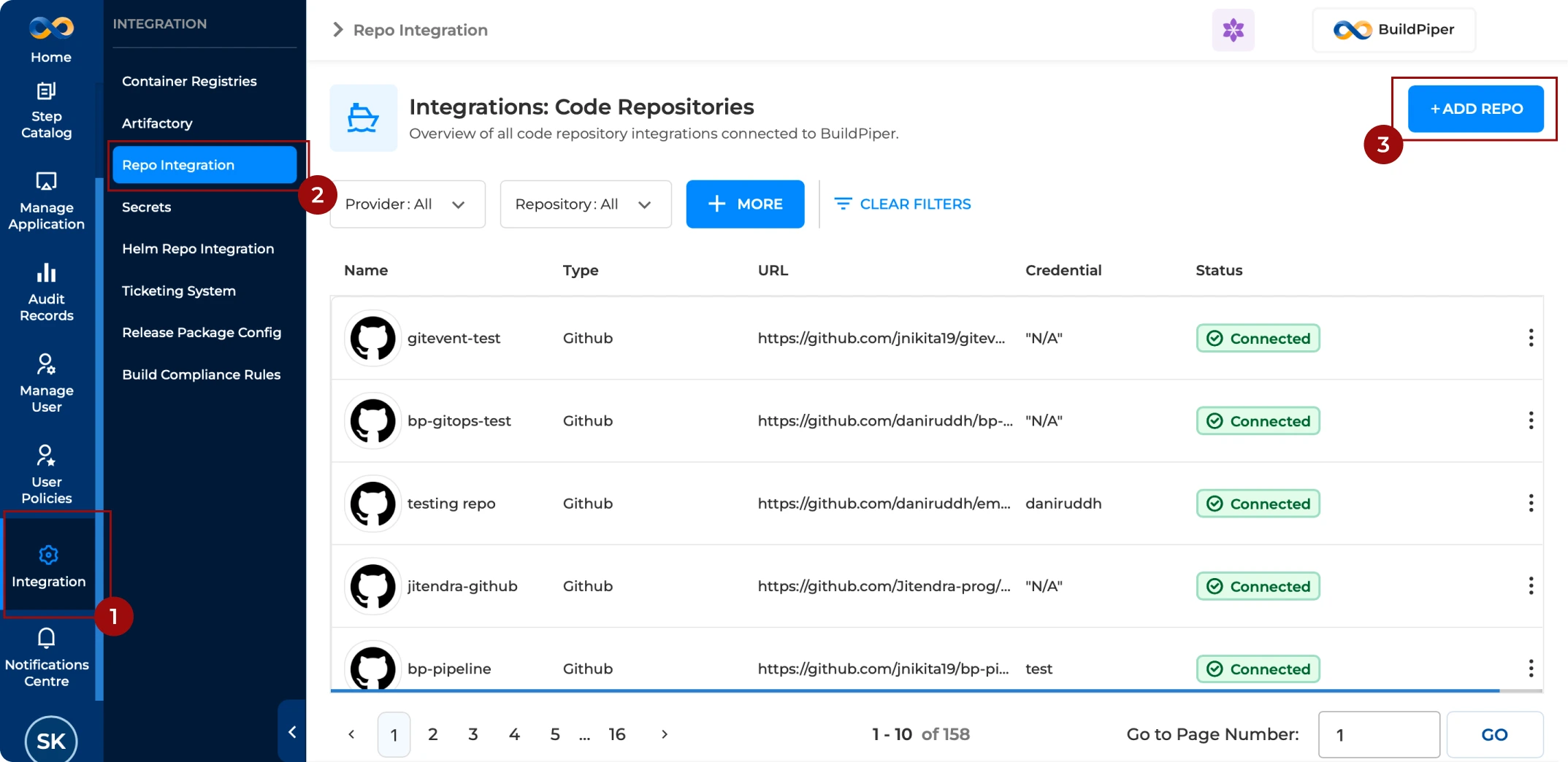
Git onboarding in BuildPiper involves integrating your Git repository, such as GitHub, GitLab, or Bitbucket, with the platform. Typically, a read-only access user is created and provided to BuildPiper, allowing it to securely connect to and clone the repository without making any changes.
Git onboarding in BuildPiper involves integrating your Git repository with the platform. A read-only access user is typically created and provided to BuildPiper so that the platform can securely connect to and clone the repository without making any changes.
Secure Repository Access
BuildPiper connects to the Git repository using configured credentials and clones repositories without modifying the source.
Supported Git Providers
BuildPiper supports GitHub, GitLab, and Bitbucket repositories, including cloud-based and self-hosted variants.
The unique name for the Bitbucket repository within the platform.
Select Secrets*
A dropdown menu to select pre-configured credentials or the option to add a + New Secret for authentication. For more details, refer Credential Management Documentation.
Url*
The specific endpoint for the repository, for example https://bitbucket.buildpiper.in. Includes a Test Connection button to verify connectivity.
View Permissions*
A field to define which User Groups are authorized to view this repository integration.
Write Permissions*
A field to define which User Groups are authorized to have write or modify access to the integration settings.
The display name for the GitHub repository within BuildPiper.
Select Secrets*
A dropdown menu to select pre-configured credentials or the option to add a + New Secret for authentication. For more details, refer Credential Management Documentation.
Url*
The full URL path to the GitHub repository. Includes a Test Connection button to verify connectivity.
View Permissions*
A field to define which User Groups are authorized to view this repository integration.
Write Permissions*
A field to define which User Groups are authorized to have write or modify access to the integration settings.