KubeOps
ConfigMaps
User Portal
Config Management #
BuildPiper simplifies configuration management by providing a centralised interface to manage Kubernetes resources. It syncs directly with your clusters to fetch real-time data, giving you full visibility without leaving the platform.
Config Management Capabilities #
Create, configure, view, and deploy Kubernetes ConfigMaps directly from the BuildPiper UI.
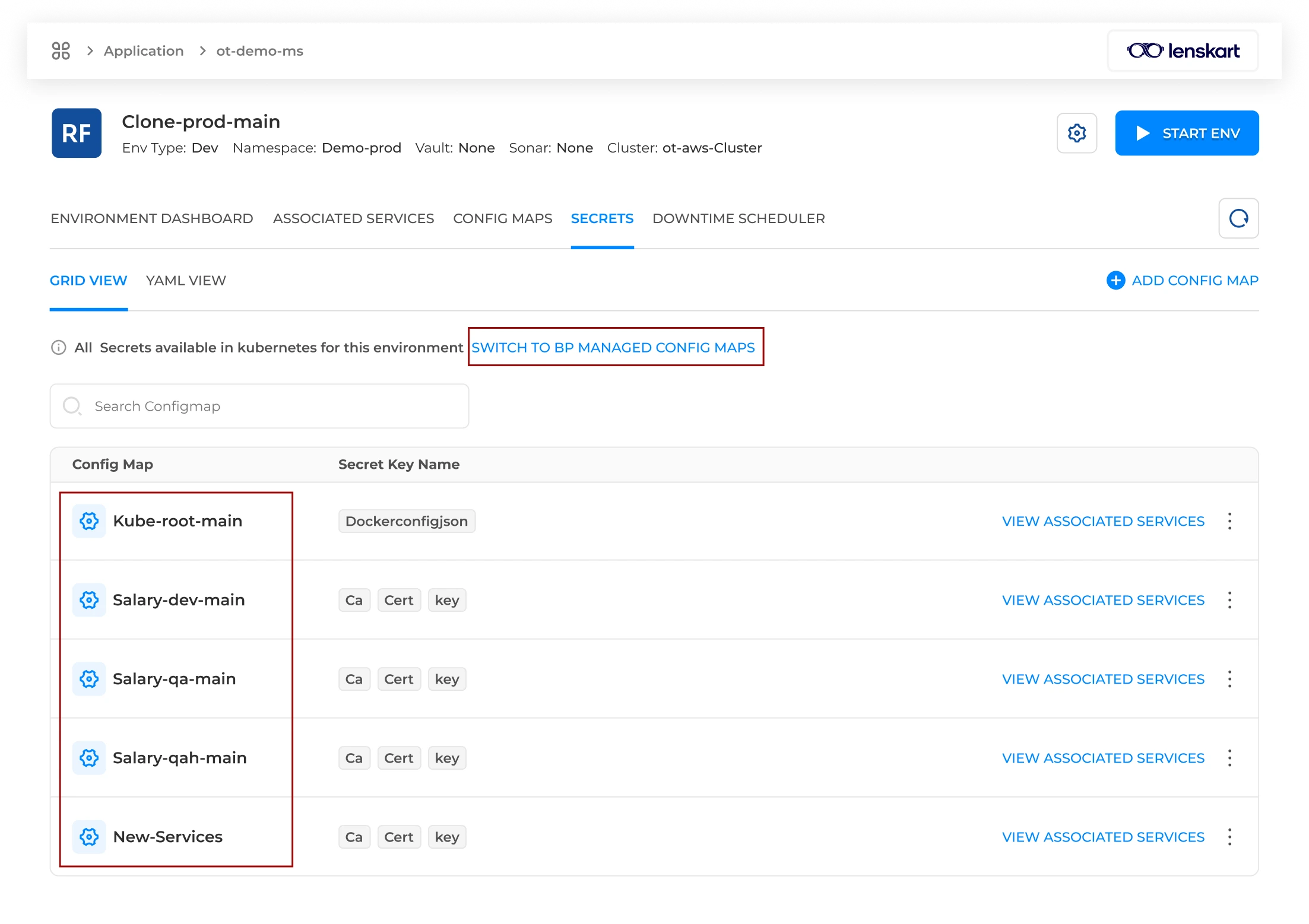
Track BP-managed ConfigMaps while also identifying external ConfigMaps deployed directly to the cluster.
Use guided forms, uploaded manifests, editor mode, or YAML editor to define ConfigMap data.
Config Management Overview #
Beyond viewing data, BuildPiper enables users to create, configure, and deploy new resources directly through the UI. This eliminates manual terminal work and streamlines the workflow into a single, unified management experience.
Real-Time Cluster Sync
BuildPiper syncs directly with Kubernetes clusters to fetch up-to-date configuration data.
Unified Management
Users can manage ConfigMaps from one platform without switching to terminal-based Kubernetes tooling.
Dual Tracking Capability #
To ensure complete operational oversight, BuildPiper features a dual-tracking capability. It maintains full lifecycle management for BP-managed ConfigMaps created within the platform while simultaneously identifying external ConfigMaps that were deployed directly to the cluster.
BP Managed ConfigMaps
All ConfigMaps created from the BuildPiper UI are listed under BP-managed-config-maps.
External ConfigMaps
ConfigMaps deployed directly to the Kubernetes cluster are identified separately for visibility.
Workflow: Accessing Config Maps #
Navigation PathHow to Access / Navigate
Login to BP→Application→Environment Overview→Select Environment→Config Maps→Add Configmap
Final Step: Fill in the ConfigMap form and hit Save.
Note: BP CM page is accessible only via the user portal. To onboard and create a fresh ConfigMap, users can click the Add Configmap button.
ConfigMap Configuration Fields #
The following configuration fields are available when creating or onboarding a ConfigMap from BuildPiper.
| Field Name |
Mandatory |
Description |
| Config Name |
Yes |
Assign a unique name to this ConfigMap. This name is referred to for config-map usage in deployment settings later. |
| Enable Versioning |
No |
When active, the system saves a history of changes, allowing users to track or revert to previous versions of the configuration. |
| Input Method |
Yes |
Select the preferred way to provide data: Guided Form for key-value pairs, Upload Manifest for YAML from computer/Git/Helm templates, Editor Mode for text area key-value input, or YAML Editor for full YAML configuration. |
| Multiline Quotes |
No |
If enabled, the system automatically wraps data that spans multiple lines in quotes to ensure correct formatting. |
| Double Quotes |
No |
Enable this if configuration values specifically require double quotes around them. |
| Server Side Apply |
No |
An advanced Kubernetes feature that lets the cluster server manage configuration merges and updates instead of the local client. |
BuildPiper Documentation · Config Management
Last updated: May 2026