

Job Templates #
1. Job Templates Overview #
A job template is a reusable blueprint that defines what activities a job runs, the order in which they run, and the parameters they need. Job templates are used to build the jobs of a pipeline, so a service can reuse the same build, deployment or validation workflow instead of configuring it again each time.
How Job Templates Are Used in a Service #
When you configure a service for an application and add an environment to it (for example dev, prod or UAT), you have to select a job template for that environment. The steps configured in the job template for each job, such as Build and Deploy, run when you run the pipeline.
Where to Configure Job Templates #
Job templates are configured from the Job Templates option in the application menu.
- 1
Login to BP.
- 2
Switch to User Portal.
- 3
Click Application.
- 4
Select the application.
- 5
Click Job Templates in the left menu.
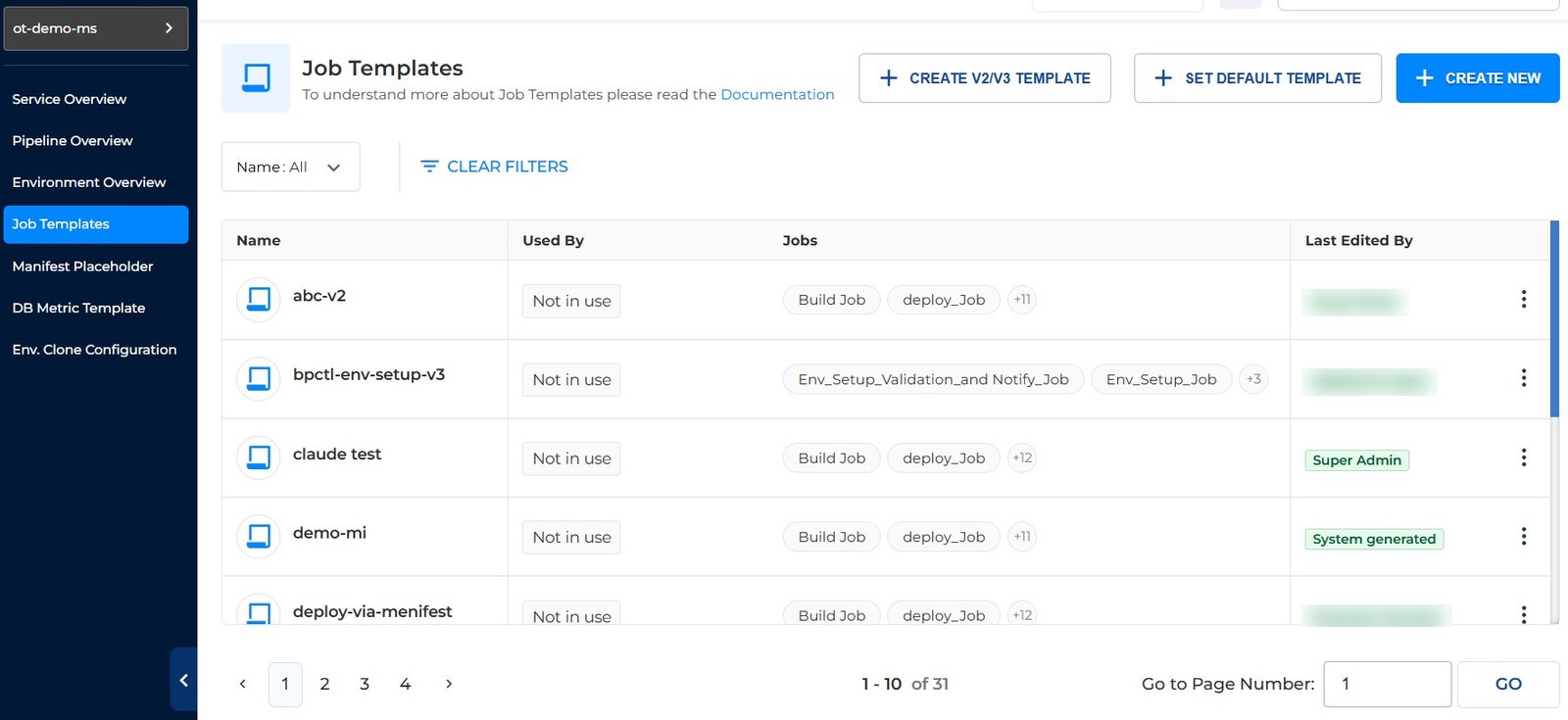
Figure 1: Job Templates Listing Page
To create a job template, refer to the Job Template documentation.
Read more: Job Template Documentation